The game behind the demo
About The Last of Us Part II Remastered
The Last of Us Part II Remastered follows Ellie and Abby through a story-driven action adventure in a world shaped by a devastating infection. Stealth, scavenging, crafting, and close-range combat sit alongside character-focused exploration and cinematic storytelling. The remastered release also includes No Return, a roguelike survival mode built around a sequence of combat encounters, plus features that explore the game’s development. The PC release brings Naughty Dog’s game to the platform with work from Nixxes Software and Iron Galaxy Studios. Its detailed environments and expressive character animation make it a distinctive addition to a gameplay video library.
- Developer
- Naughty Dog · Nixxes Software · Iron Galaxy
- Play style
- Single-player action adventure
Inside this recording
The PC remaster in a Linux cloud session
This 32-minute, 17-second Linux recording identifies a 4K setup with a Radeon RX 7900 XTX and a Ryzen 7800X3D. It documents the PC remaster shortly after its PC launch in April 2025. The graphics preset and upscaling configuration are not listed, so the hardware panel records only the supplied details.
Character detail and environmental presentation
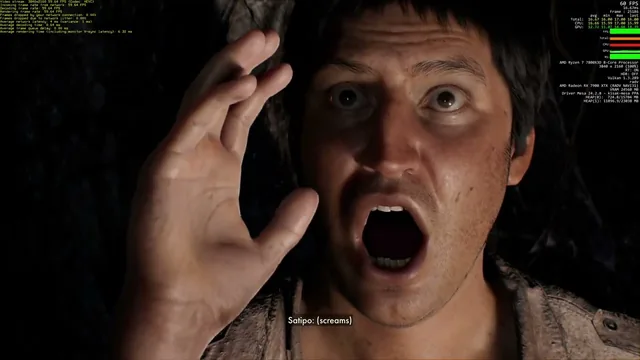
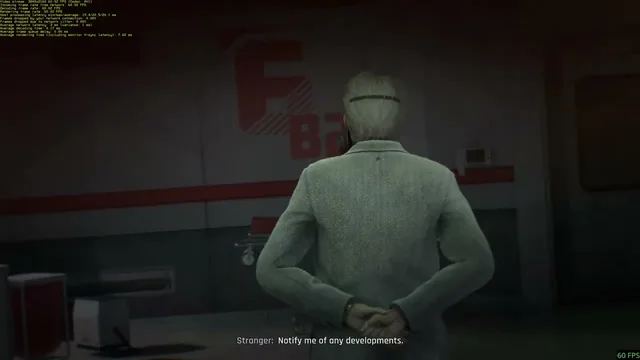
Use the recording to explore how the PC version’s presentation comes across in a Linux cloud gaming session. Close-up detail and movement through environments offer different things to inspect. A 4K YouTube quality option improves the detail available in the video; it does not establish that the game rendered every frame at native 4K.
How to read the resolution and performance details
The setup above uses information published with the video. Linux was confirmed by Maximum Settings for this recording. “Video uploaded” identifies the YouTube publication date; “Added to the library” identifies the webpage’s publication. Neither is a new compatibility test.
A recording’s stated resolution, its native or upscaled rendering resolution, and the quality selected in YouTube are different things. Game FPS, the cloud stream’s target frame rate, and YouTube playback FPS are also separate. Any benchmark result shown on this page belongs to the stated recording and method; an FPS label in a title is not an averaged benchmark result.