The game behind the demo
About Killing Floor 3
Killing Floor 3 builds its action around successive waves of Zeds and the decisions a squad makes to survive them. Developed by Tripwire Interactive, this first-person horror shooter gives Nightfall specialists an arsenal of firearms, melee weapons, gadgets, and character skills to fight Horzine’s engineered creatures. Players can customise weapons and use hazards in the environment to manage approaching enemies. Up to six people can play together, with solo play also available. The combination of escalating threats, specialist roles, and loadout choices makes preparation between encounters an important part of the action.
- Developer
- Tripwire Interactive
- Play style
- Solo / up to 6-player co-op
Inside this recording
The 4K Linux session
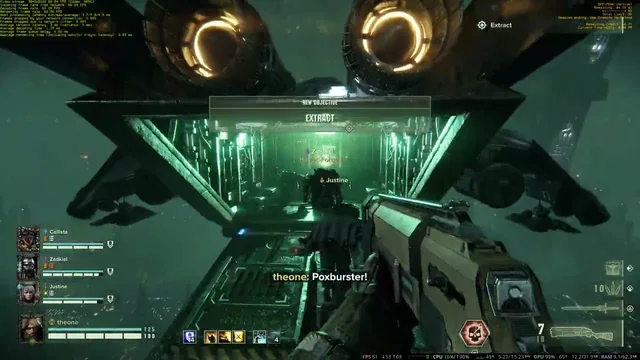
This 23-minute, 28-second recording was published on July 26, 2025. The upload identifies 4K gameplay on a Maximum Settings PC equipped with a Radeon RX 7900 XTX and a Ryzen 7800X3D, with Linux confirmed for the session. It is the higher-resolution-labelled companion to the 1440p video in this library. These are separate recordings published on different dates, rather than a controlled measurement of the performance difference between resolutions.
Fine detail in a busy co-op shooter
A 4K recording gives you a higher-resolution video to inspect when your display and YouTube quality setting support it. Pay attention to environmental detail and image clarity in motion. Use the 1440p companion as another viewing example, with its own published setup, rather than assuming the clips use identical settings.
How to read the resolution and performance details
The setup above uses information published with the video. Linux was confirmed by Maximum Settings for this recording. The publication date identifies the upload, not a fresh compatibility test.
A recording’s stated resolution, its native or upscaled rendering resolution, and the quality selected in YouTube are different things. Game FPS, the cloud stream’s target frame rate, and YouTube playback FPS are also separate. This upload does not provide average-FPS or 1% low benchmark logs.