The game behind the demo
About Warhammer 40,000: Space Marine 2
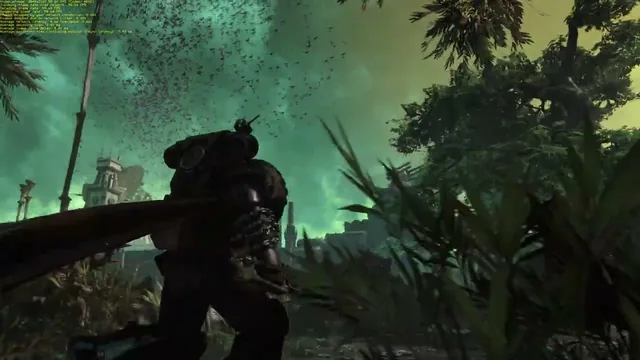
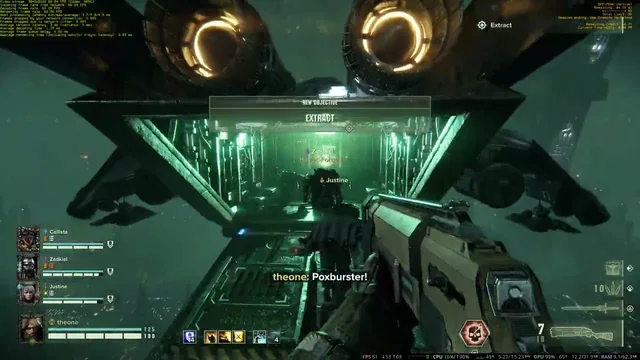
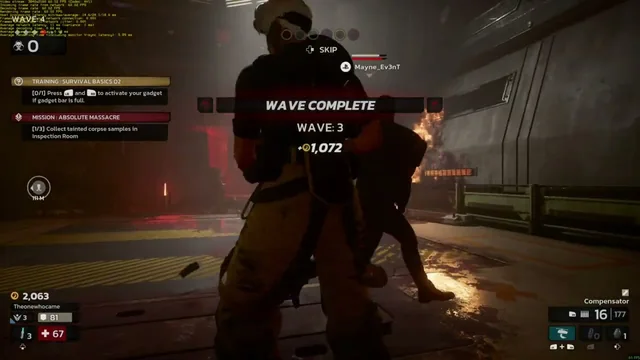
Warhammer 40,000: Space Marine 2 is Saber Interactive’s third-person action game starring Ultramarine Lieutenant Demetrian Titus. It combines heavy ranged weapons with close-quarters melee as Space Marines battle the enemies of the Imperium across large-scale encounters. Tyranid swarms are a defining part of its presentation, filling battlefields with threats that demand quick positioning and weapon choices. Alongside the story campaign, cooperative and competitive modes let players develop their own Space Marines through class abilities, equipment progression, and customisation. The tone and action offer a different perspective on the Warhammer universe from Darktide’s first-person missions.
- Developer
- Saber Interactive
- Play style
- Campaign / cooperative / competitive action
Inside this recording
A 4K session with an AV1 label
The February 18, 2025 upload runs for 23 minutes and 58 seconds and names a Ryzen 7800X3D and Radeon RX 7900 XTX. Its title also specifies AV1. That describes the upload’s stated session configuration; YouTube independently encodes the video delivered to your browser, so its playback codec can differ from the original cloud stream.
Two perspectives on Warhammer
The related Darktide recording provides a first-person companion to this third-person session. Both pages retain their own hardware evidence, video dates, and encoding notes, making them useful examples of different games on Linux cloud PCs.
How to read the resolution and performance details
The setup above uses information published with the video. Linux was confirmed by Maximum Settings for this recording. “Video uploaded” identifies the YouTube publication date; “Added to the library” identifies the webpage’s publication. Neither is a new compatibility test.
A recording’s stated resolution, its native or upscaled rendering resolution, and the quality selected in YouTube are different things. Game FPS, the cloud stream’s target frame rate, and YouTube playback FPS are also separate. Any benchmark result shown on this page belongs to the stated recording and method; an FPS label in a title is not an averaged benchmark result.