The game behind the demo
About Warhammer 40,000: Darktide
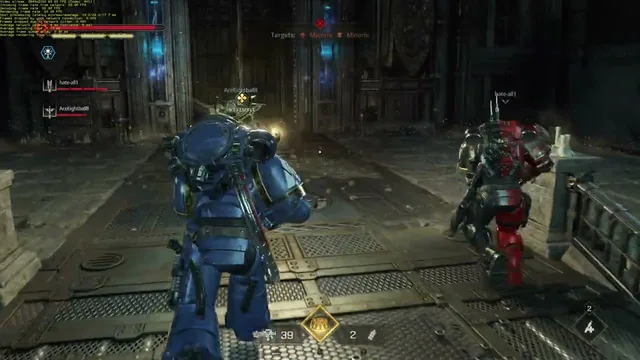
Warhammer 40,000: Darktide is Fatshark’s cooperative first-person action game set in the sprawling hive city of Tertium. Players create their own operatives, choose a class, and join a strike team fighting to contain a Chaos uprising. Combat switches between ranged weapons and close-quarters melee, with enemy specialists, dense hordes, and changing mission conditions demanding teamwork. Character abilities and equipment let players shape their role in the squad, while industrial machinery and monumental gothic architecture give each environment a distinctive atmosphere. It is a game built around staying together, adapting your loadout, and surviving the next encounter as a team.
- Developer
- Fatshark
- Play style
- Cooperative action
Inside this recording
4K Linux gameplay with ray tracing
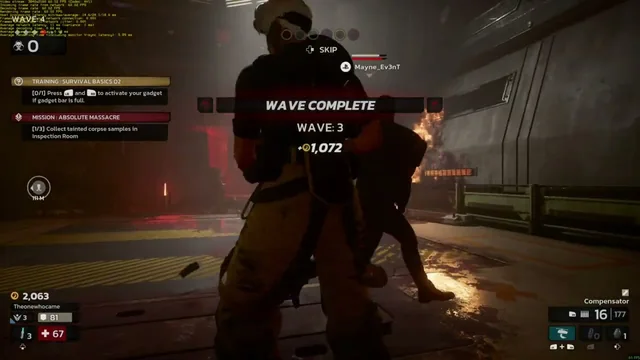
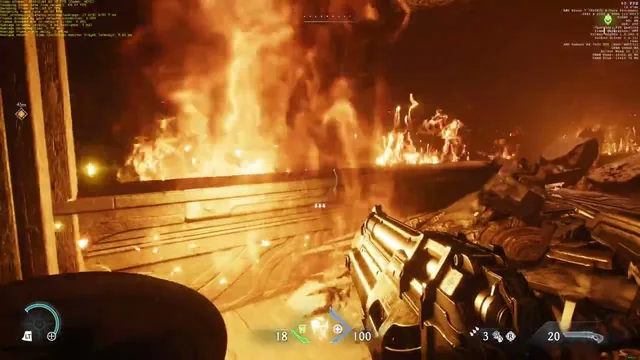
This 7-minute, 42-second session documents Darktide on a bare-metal Maximum Settings PC. The upload describes 4K output, maximum settings, ray tracing enabled, and the Vulkan encoder. The published thumbnail also shows a 3840×2160 HEVC stream in the client overlay. Vulkan is the named encoder path here; HEVC identifies the stream codec. Neither label alone establishes the game’s rendering API.
Lighting, movement, and frame pacing
Camera turns and combat transitions are useful places to inspect visible consistency. The recording’s on-screen counters describe that session; a connection test is the practical next step for assessing your own route to MXS.
How to read the resolution and performance details
The setup above uses information published with the video. Linux was confirmed by Maximum Settings for this recording. “Video uploaded” identifies the YouTube publication date; “Added to the library” identifies the webpage’s publication. Neither is a new compatibility test.
A recording’s stated resolution, its native or upscaled rendering resolution, and the quality selected in YouTube are different things. Game FPS, the cloud stream’s target frame rate, and YouTube playback FPS are also separate. Any benchmark result shown on this page belongs to the stated recording and method; an FPS label in a title is not an averaged benchmark result.